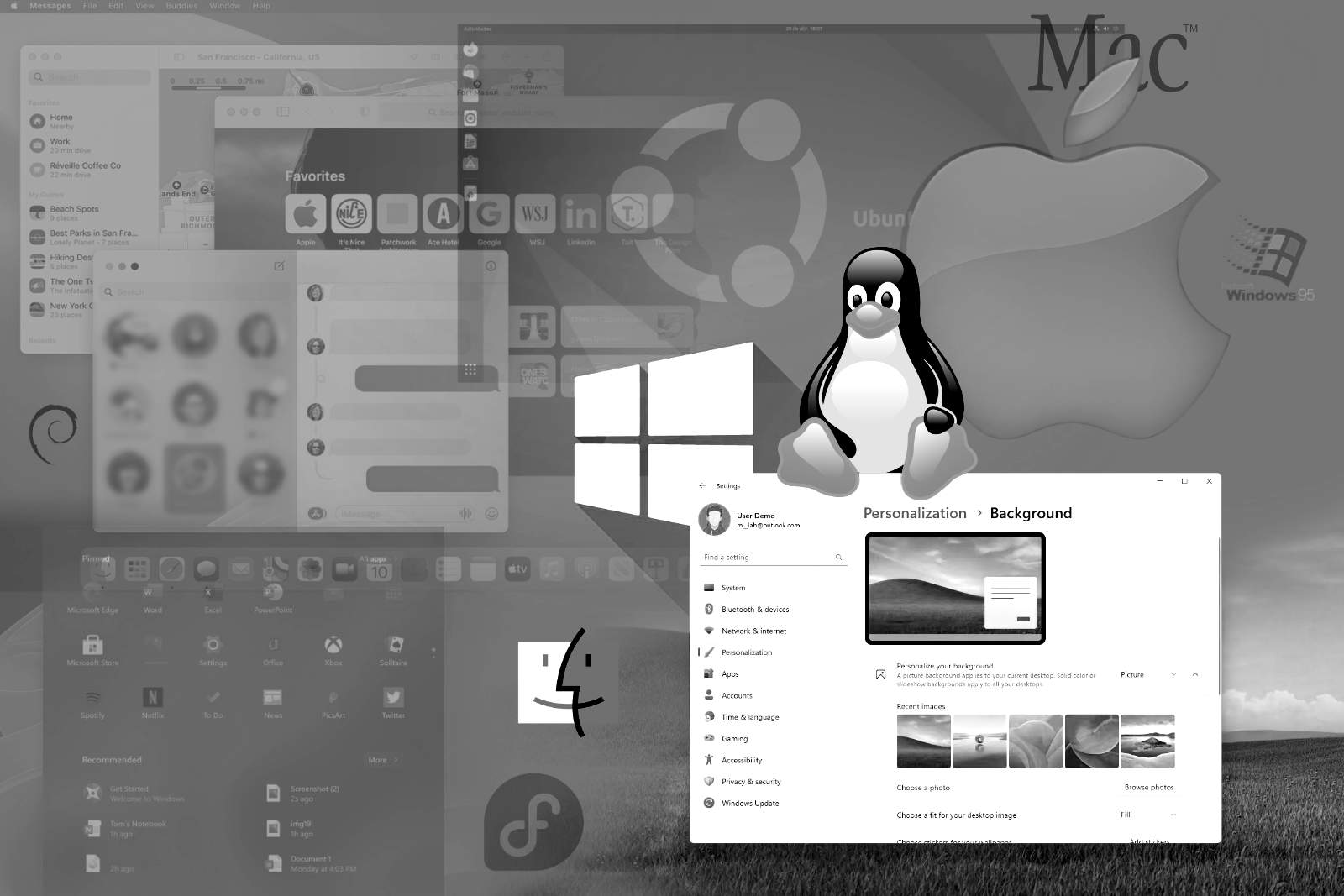
Some water has flowed under the bridge since the first software review I wrote last fall. For many reasons — well, really just one, but let’s not dive into politics right now — I finally decided to give Linux a proper chance as an operating system.
I remember saying, “It requires a bit more technical understanding [to use Linux], and you’ll be limiting yourself to even fewer software options.” I still stand by this argument. But honestly, I should have pointed out that Linux actually offers more software options than its competitors — just not in the professional graphic design department. There, you’re pretty much stuck with three main choices: GIMP, Scribus, and Inkscape. There might be a few alternatives to the latter, but for image editing and layout, the first two are the go-to options. To successfully transition to Linux, you either accept this limitation or stick with other operating systems. I chose to take the leap.
When it comes to Linux distributions, the options are overwhelming. If this is all new to you, some serious search engine research is a must. I spent a few weeks reading about the different options and watching videos on the most popular streaming platform. Along the way, I narrowed my choices down to three: Ubuntu, Linux Mint, and Zorin OS. Since Mint and Zorin are both based on Ubuntu, you could say I narrowed it down to one core system with three different flavors. I bought a relatively cheap used Dell laptop and installed Zorin OS on it. Worked like a charm! For my own Asus laptop, I installed Linux Mint (while keeping Windows 11 intact). No problem here either. These two are often recommended for people transitioning from Windows because they’re quick to install and easy to get running without extra hassle — and I can confirm that’s true.
Since I’ve used both Mac and Windows computers, I decided to tweak Zorin to look more like macOS and Mint to resemble the Windows I’ve been using recently. The process was so straightforward that I quickly stopped tinkering with the appearance and behavior of the OS and could focus on the actual software. And believe me, the tinkering part is something you can do as much as you want — Linux doesn’t limit users when it comes to modifying the interface or anything else under the hood. This is something I truly appreciate.
After a month or so, I realized that Zorin OS was the one for me. It’s slightly more minimal compared to Mint — or rather, most of its features aren’t as in-your-face — so it actually felt like returning to the macOS I had ditched a few years ago. There was nothing wrong with Mint itself, but I ended up replacing it with Zorin as well. I might try Ubuntu on the Asus laptop in the future, just to see if it differs much from the derivatives I’m already familiar with.
The most valuable lesson learned during this process: You can actually install Linux on relatively old computers, and chances are it will perform more efficiently than a modern machine running the latest version of Windows. If nothing else, this makes the lifecycle of computers much longer and more sustainable by any standard.