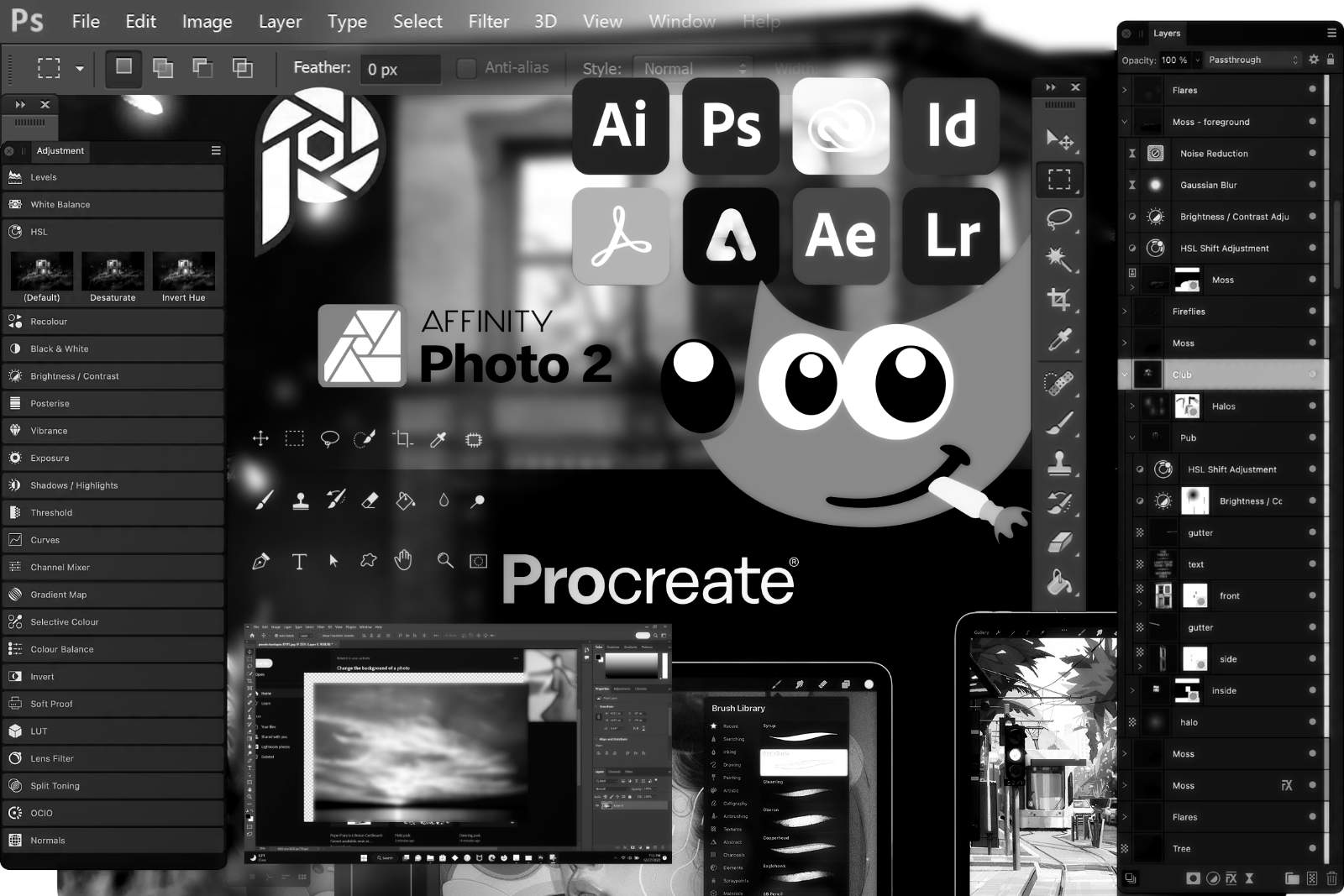
As I mentioned in my previous article on software, I decided to take the plunge toward open-source solutions. But beyond the openness of the software and its platforms, one thing weighed even more heavily on my mind: I wanted to find solid alternatives to US-based solutions. If you’re European like me, you know exactly what I’m talking about.
Last year, I installed both GIMP 3.0 and even purchased the Affinity Photo 2 on my Windows 11 machine. Working with GIMP wasn’t as smooth as with Affinity. Then, later in the year, Affinity released version 3 of their software suite — now bundled as a single package and 100% free. I was thrilled, especially since I had been missing a free alternative to InDesign. Naturally, I installed the new Affinity immediately. The suite worked like a charm and had almost no learning curve for someone like me, who had spent years using Adobe software. I’ve already completed several projects with it. But — because there’s always a “but” — the idea of switching to a Linux operating system had been lingering in my mind for some time.
Given the current global climate, I decided it was finally time to make the move. For me, it’s not so much about the operating system itself as it is about the software available within it. Switching to Linux meant saying goodbye to Photoshop, InDesign, and yes, even Affinity. That left me with GIMP and Scribus as my only options. Inkscape is there too, but since I don’t work much with vector graphics, I haven’t needed it yet.
GIMP, in particular, was the main thing holding me back from Linux. At this point, I had to ask myself: Was my hesitation due to prejudice against the software, or was it simply the idea of having to learn something new? I’ll admit, it was the latter. I consider myself too old and too lazy to muster the energy to learn how things work in yet another piece of software. Affinity was a delight because its UI and logic are similar to Adobe’s, so it didn’t require much learning. GIMP, on the other hand, is the opposite. The software seems to have just as many options as Photoshop — which, to be honest, is too many for my taste in either program. Over the past 25 years, I’ve learned to use the Photoshop features I need and ignore the rest.
Fortunately, I wasn’t alone in this struggle. Someone, somewhere, had coded the PhotoGIMP plugin for GIMP, which at least for me did the trick: it simplifies the interface by removing some of the clutter, making it slightly easier to approach. Combined with my determination to find alternatives to US-based software, this was enough to push me forward. I’m now three months into using Linux full-time, with GIMP as my go-to tool, and I’ve just started exploring Scribus — which, honestly, is more of a learning curve for me than GIMP was. But I’m confident that, in the long run, it’s nothing I can’t handle.